
Introduction
Suppose you’re in the market for a reliable, high-performance monochrome laser printer that offers wireless functionality, fast print speeds, and minimal maintenance. In that case, the Brother HL-L2460DW may be just what you need. Built for home offices, students, and small businesses, this compact yet powerful printer has quickly gained popularity for its sharp print quality and impressive efficiency.
Whether you’re printing contracts, class notes, or professional reports, the HL-L2460DW delivers consistent results without breaking the bank. In this detailed review, we’ll explore its key features, technical specifications, wireless setup process, and real-world printing performance to help you decide if it’s the right choice for your printing needs.
Technical Specifications
| Specification | Details |
|---|---|
| Print Technology | Monochrome Laser |
| Maximum Print Speed | Up to 36 ppm |
| Print Resolution | Up to 2400 x 600 dpi |
| Duplex Printing | Automatic (Standard) |
| Monthly Duty Cycle | Up to 15,000 pages |
| Recommended Monthly Volume | 2,000 pages |
| Processor | 600 MHz |
| Memory | 128 MB |
| Connectivity Options | Wi-Fi, USB 2.0, Ethernet |
| Mobile Printing Support | AirPrint, Google Cloud Print, Mopria, Brother iPrint&Scan |
| Paper Input Capacity | 250 sheets |
| Output Capacity | 120 sheets (face down) |
| Display | 1-line LCD |
| Compatible Toner | Brother TN-730 (Standard), TN-760 (High Yield) |
| Operating System Support | Windows, macOS, Linux |
| Dimensions | 14.2″ x 14″ x 7.2″ |
| Weight | Approx. 15.9 lbs |
Design and Build Quality
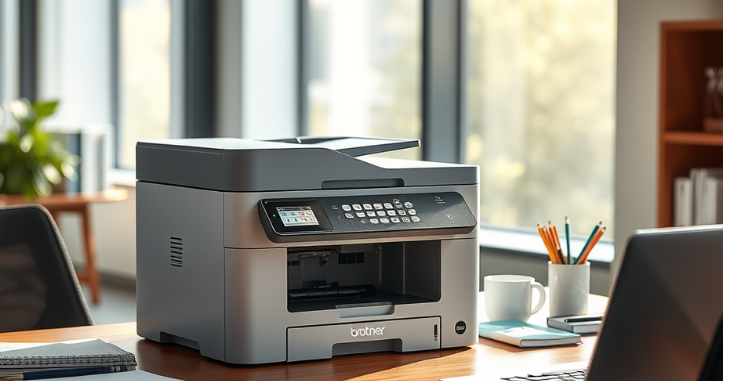
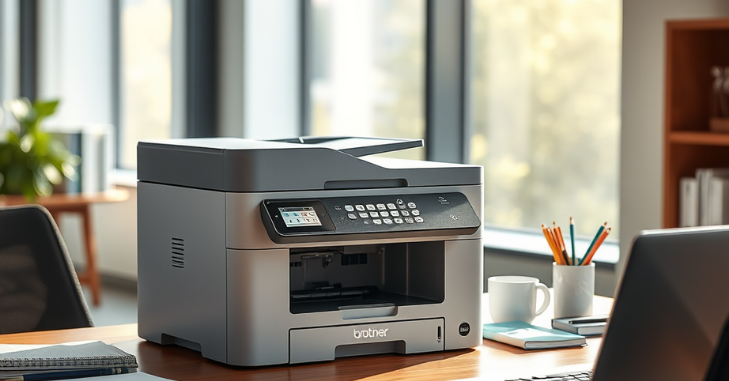
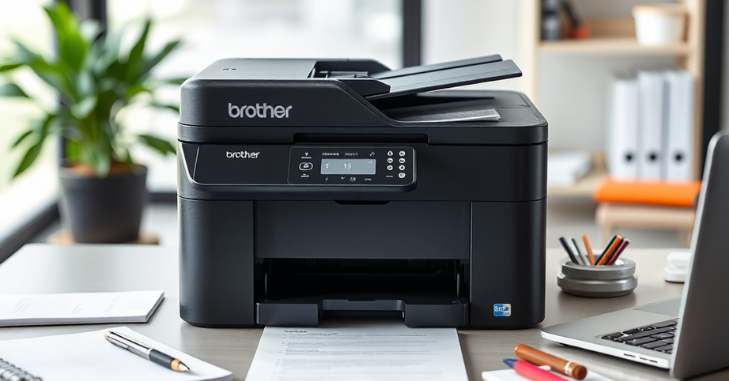
The Brother HL-L2460DW features a sleek, minimalist design with a compact footprint, making it an ideal choice for both home and small office environments. Measuring just 14.2 x 14 x 7.2 inches and weighing under 16 pounds, this monochrome laser printer easily fits on a desk or shelf without taking up excessive space.
Its matte-black finish resists fingerprints, while the sturdy plastic build provides durability for regular use. The intuitive control panel, featuring a single-line LCD and essential buttons, ensures ease of operation, even for non-technical users.
Key Features of the Brother HL-L2460DW
1. Monochrome Laser Technology
At its core, the HL-L2460DW is built around monochrome laser printing, which ensures sharp black-and-white text documents. This makes it an excellent choice for students, professionals, or anyone needing fast, high-quality document printing.
2. Automatic Duplex Printing
One of its standout features is automatic duplex printing (double-sided), which helps save paper and is a must-have for businesses looking to reduce operational costs. This functionality runs smoothly and reliably without jamming, even during bulk jobs.
3. Fast Print Speeds
The printer boasts a print speed of up to 36 pages per minute (ppm), outperforming many of its competitors in the class. Whether you’re printing extensive reports or quick notes, the HL-L2460DW delivers with minimal wait times.
4. 250-Sheet Paper Tray
A generous input capacity is another practical feature. The 250-sheet tray accommodates both letter and legal-sized paper, reducing the need for frequent refills. This printer features a dedicated manual input tray designed for handling envelopes and other unique media types.
5. Mobile Printing Options
Thanks to support for Apple AirPrint, Google Cloud Print, Brother iPrint&Scan, and Mopria, you can print wirelessly from smartphones, tablets, laptops, or desktops without needing a direct USB connection.
Wireless Setup Guide
Getting the Brother HL-L2460DW connected to your wireless network is straightforward and takes only a few minutes.
Step 1: Power On and Access Control Panel
After unboxing and plugging in the device, please turn it on and access the control panel. Navigate to the “Network” settings using the buttons on the LCD.
Step 2: Select Wireless Setup Wizard
The printer will search for available Wi-Fi networks.
Step 3: Connect to Your Wi-Fi
Choose your Wi-Fi SSID (network name), and enter your password when prompted. Once connected, the printer will confirm a successful connection with a printout of the network settings.
Step 4: Install Drivers
On your PC or Mac, visit Brother’s official support website and download the latest drivers. You can also use the included CD if available. Proceed through the setup wizard’s guided steps to finalize the device configuration.
Step 5: Print from Mobile Devices
To print from smartphones or tablets:
- iOS: Use AirPrint.
- Android: Use Mopria or download the Brother iPrint & Scan app.
- Windows/macOS: Add the printer via system settings once it’s detected on the network.
Printing Performance and Output Quality
Despite being a budget-friendly printer, the HL-L2460DW excels in printing quality. Text documents are exceptionally sharp and well-defined, even at smaller font sizes. Graphics and grayscale images, while not their primary use, are rendered with decent clarity for business documents or presentations.
The high resolution of up to 2400 x 600 dpi ensures that output looks professional and polished, suitable for everything from internal reports to client-facing documents.
It maintains consistent output speed even with duplex printing or during extended print jobs. Whether printing 1 or 100 pages, the machine delivers without overheating or jamming.
Toner Performance and Cost Efficiency
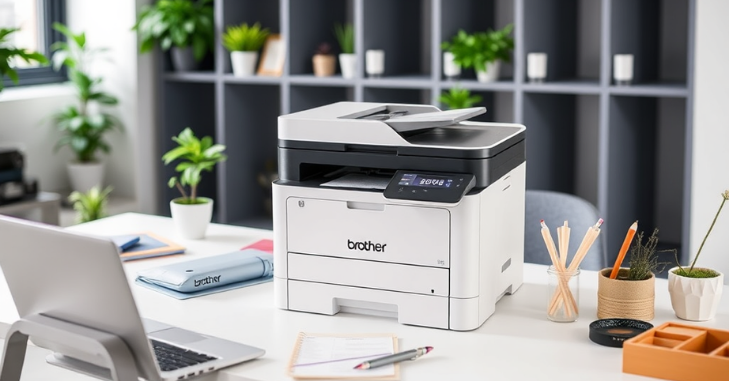
The HL-L2460DW uses the TN-730 standard and TN-760 high-yield toner cartridges. The TN-760 can print up to 3,000 pages, making it a cost-effective choice for heavy users.
Additionally, Brother’s toner save mode helps stretch cartridge life without significantly sacrificing print quality, especially for draft documents. This model also supports third-party compatible cartridges; however, Brother recommends using genuine supplies to maintain printer health and print quality.
Pros and Cons of the Brother HL-L2460DW
Pros
- Excellent print speed (36 ppm)
- High-resolution output
- Compact and lightweight
- Reliable wireless connectivity
- Automatic duplex printing
- Great toner efficiency
Cons
- No color printing capability
- Limited LCD functionality
- No scanning or copying (single-function printer)
Ideal Use Cases
The Brother HL-L2460DW is tailored for:
- Home offices need efficient and affordable printing.
- Students who require reliable print output for assignments.
- Small businesses managing black-and-white document production.
- Remote workers need wireless convenience and minimal maintenance.
It’s not intended for photo or color printing. Still, it is unmatched in its category for black-and-white performance and long-term reliability.
Comparison Table: Brother HL-L2460DW vs Similar Models
| Feature | Brother HL-L2460DW | Brother HL-L2350DW | HP LaserJet M209dw |
|---|---|---|---|
| Print Speed | 36 ppm | 32 ppm | 30 ppm |
| Duplex Printing | Yes (Automatic) | Yes | Yes |
| Connectivity | Wi-Fi, USB, Ethernet | Wi-Fi, USB | Wi-Fi, USB, Ethernet |
| Mobile Printing | AirPrint, Mopria, iPrint | AirPrint, Mopria, iPrint | AirPrint, HP Smart App |
| Paper Tray Capacity | 250 sheets | 250 sheets | 150 sheets |
| Toner Compatibility | TN-730, TN-760 | TN-730, TN-760 | HP 134A/X Toner |
| Monthly Duty Cycle | Up to 15,000 pages | Up to 15,000 pages | Up to 20,000 pages |
| Size | Compact | Compact | Slightly larger |
| Ideal For | Home & Small Office | Personal Use & Students | Small Businesses |
| Price Range (USD) | $130–$160 | $120–$140 | $150–$180 |
Conclusion
The Brother HL-L2460DW is a standout performer in the budget-friendly laser printer market, offering a perfect blend of speed, print quality, wireless connectivity, and cost-effectiveness. Its seamless wireless setup, support for mobile printing, and high-yield toner options make it a practical solution for today’s fast-paced work-from-home and small office environments. While it lacks color and multifunction features, its strengths in sharp monochrome output and low operational costs more than compensate. Whether you’re a student relying on consistent printing or a professional handling routine documents, the HL-L2460DW offers reliable performance with crisp, professional-quality output and minimal effort.
Want to know about “The Best Paper Shredder: Key Features and Expert Tips for Choosing the Best Paper Shredder for Home” Check out our “Tech” category.
Frequently Asked Questions (FAQs)
Yes. Its compact size, fast print speed, and wireless functionality make it an excellent choice for home offices, students, and remote workers.
No. This is a monochrome laser printer, meaning it prints only in black and white. It’s ideal for text documents and grayscale graphics.
This printer is compatible with Brother TN-730 toner for standard output and TN-760 cartridges for extended printing capacity. TN-760 is more cost-efficient for high-volume printing.