
Introduction
The Astro A30 Wireless: The Ultimate Headset Manual, App Features, Price & Xbox Wireless Guide is your complete resource for maximising this advanced gaming headset. Compatible with Xbox Series X|S, PlayStation 5, Nintendo Switch, PC, Mac, and mobile devices, the Astro A30 Wireless offers universal connectivity via Lightspeed Wireless, Bluetooth, and a 3.5mm wired option.
This guide covers everything from setup and unboxing to advanced customisation with the Logitech G mobile app, allowing you to easily adjust EQ, manage audio sources, and update firmware. Enjoy premium comfort, dual microphones, and long battery life for a truly immersive and versatile gaming experience.
| Feature | Description |
|---|---|
| Product Name | Astro A30 Wireless Gaming Headset |
| Connectivity | LIGHTSPEED 2.4 GHz wireless, Bluetooth 5.2, 3.5mm wired |
| Compatibility | Xbox Series X |
| Battery Life | 27+ hours |
| Wireless Range | Up to 49.22 ft (15 m) |
| Driver Size | 40mm Logitech drivers |
| Frequency Response | 20 Hz – 20 kHz |
| Impedance | 32 Ohms |
| Sensitivity | 105 dB SPL/mW @ 1 kHz |
| Microphone | Detachable boom mic and integrated mic |
| Noise Cancellation | Passive noise cancellation on boom mic |
| Audio Features | 7.1 virtual surround sound, game/chat audio balance |
| Controls | Multi-function joystick for volume, mute, game/voice balance |
| Charging Port | USB-C |
| Weight | 12 oz (342g) |
| Dimensions | 6.4 x 7.6 x 3.1 in (163.6 x 194.5 x 81 mm) |
| Colors Available | Navy Blue, White, The Mandalorian Edition |
| App Support | Logitech G mobile app for EQ customisation, firmware updates, and audio mixing |
| Price (Pakistan) | Approx. ₨ 31,999 (April 2025) |
| Original Price | Approx. ₨ 57,999 |
| Included Accessories | USB wireless dongle, detachable boom mic, 3.5mm audio cable, USB-C charging cable, customizable speaker tags |
| Audio Latency | Ultra-low latency with LIGHTSPEED wireless |
| Simultaneous Connections | Connect and mix audio from up to 3 devices |
| Wired Mode | Works even when powered off or battery depleted |
| Warranty | 7-day checking warranty |
| Platform Variants | Xbox, PlayStation, and PC/Mac variants available |
Essential features, technical details, and included accessories for the Astro A30 Wireless headset
Unboxing Astro A30 Wireless and Hardware Overview
When you open the Astro A30 Wireless headset package, you’re greeted with a premium presentation. Inside, you’ll find the headset, a USB wireless dongle (transmitter), a detachable boom microphone, a 3.5mm audio cable, a USB-C charging cable, and customizable speaker tags. The headset features soft ear pads crafted from plush sponge and protein leather, providing comfort during marathon gaming sessions. The over-ear design and 342g weight balance durability and comfort.
Notable hardware features include
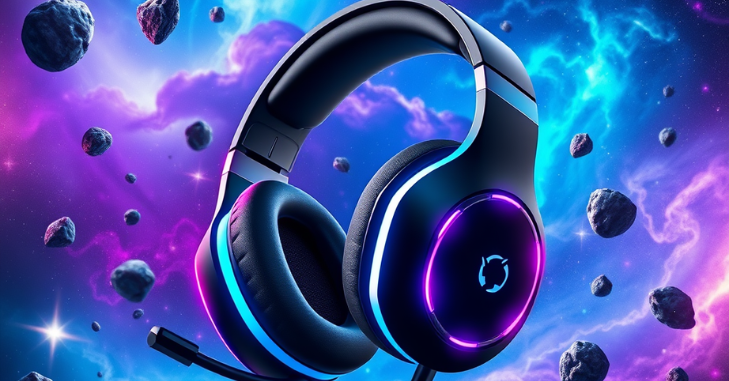
- Built-in microphone plus a detachable boom mic for versatile communication options.
- Customizable speaker tags to match your style.
- Multi-function joystick controls volume, muting, and balances game and voice audio.
- USB-C port for charging and firmware updates.
- 3.5mm audio jack for wired connections.
Powering On, Pairing, and Basic Controls
Powering On/Off
Hold the power button for three seconds to switch on the Astro A30 Wireless. You’ll hear a tone confirming it’s on. To turn it off, repeat the process.
Bluetooth Pairing
Hold the Bluetooth button for three seconds to activate pairing mode. The LED will blink blue, and a tone will indicate readiness. Find “A30” on your device’s Bluetooth menu and connect, keeping the headset within 30 feet.
Lightspeed Wireless Connection
For lag-free gaming, use the included USB dongle. Plug it into your PC, Mac, or Xbox. The headset usually comes pre-paired, but if needed, hold the dongle button until the LED turns purple, then hold the headset’s power and Bluetooth buttons until the LED flashes purple. Pairing completes in about six seconds.
Wired Mode
For a wired connection, use the supplied 3.5mm cable. Plug it into your headset and device. The headset works in wired mode even if it’s off or the battery is depleted.
In-Depth Manual: Controls and Audio Balancing
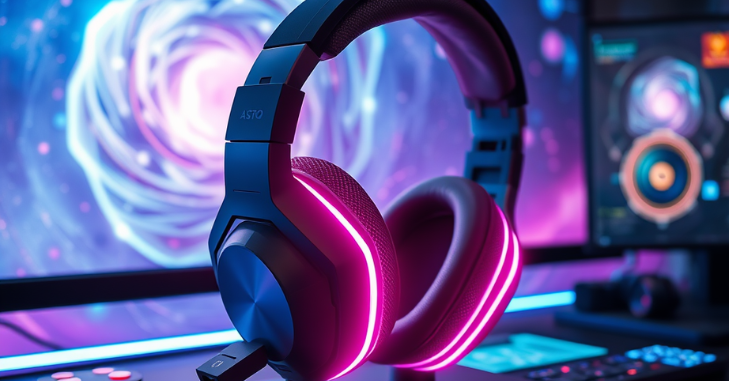
Mute and Volume
Mute or unmute your mic with the dedicated toggle; a red indicator shows when muted. Adjust the volume by moving the joystick up or down. You’ll hear a tone at the minimum or maximum.
Game & Voice Balance
The joystick also lets you balance game and chat audio. Push left for more game audio and right for more chat. Tones help you find the midpoint or max out either direction, giving you precise control in any scenario.
Track and Call Controls
When paired with a mobile device, the joystick can answer or end calls, play or pause music, skip tracks, and activate your device’s voice assistant with simple presses and holds.
Logitech G Mobile App: Customisation and Advanced Features
The Astro A30 Wireless works seamlessly with the Logitech G mobile app, available for ios and Android. Download it from the App Store or Google Play, then follow the setup instructions.
App Highlight
- EQ Customisation: Adjust audio profiles for games, music, or movies.
- Microphone Settings: Fine-tune noise gate and sidetone for clear comms.
- Firmware Updates: Keep your headset and dongle updated for best performance.
- Device Mixing: Control and blend multiple audio sources to your liking.
The app’s user-friendly interface makes it easy to personalise your audio, whether gaming, streaming, or listening to music.
Connectivity: Multi-Device Flexibility
The Astro A30 Wireless shines in connectivity, supporting:
- 2.4GHz LIGHTSPEED wireless for low-latency gaming on Xbox Series X|S, PC, and Mac.
- Bluetooth 5.2 for phones, tablets, and other Bluetooth devices.
- 3.5mm wired for universal compatibility, including Nintendo Switch and legacy devices.
A unique feature is its ability to connect to three devices at once. For example, you can play games on your Xbox, chat on Discord via your phone, and simultaneously play music from your PC. This is perfect for multitaskers and streamers.
Astro A30 Wireless for Xbox: Setup and Optimisation
Wireless Xbox Setup
- Insert the USB dongle into your Xbox Series X|S.
- Make sure the dongle is in console mode (green LED).
- Power on the headset; it should pair automatically. If not, use the LIGHTSPEED pairing method.
- Adjust the game and chat balance with the headset’s joystick.
Wired Xbox Setup
- Connect the 3.5mm cable to the headset and your Xbox controller.
- The headset works even when powered off, but keep it on for full features.
App Integration
Use the Logitech G app to tweak EQ, mic, and other settings for optimal Xbox gaming.
Audio Performance and Technical Specifications
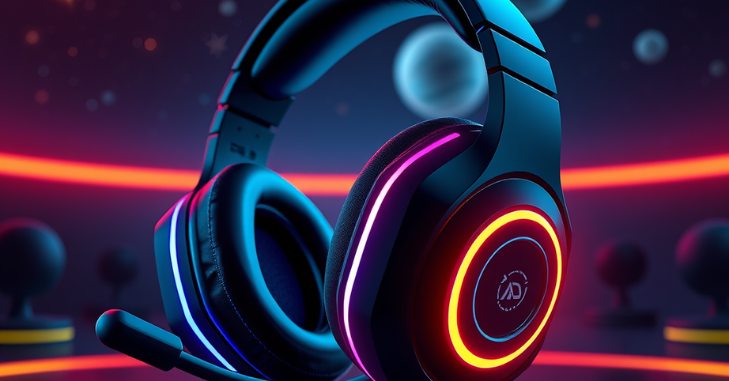
The Astro A30 Wireless is designed for immersive audio and clear communication:
- Frequency Response: 20 Hz – 20 kHz
- Impedance: 32 Ω (1 kHz)
- Sensitivity: 105 db SPL/mw @ 1 kHz
- Driver Size: 40mm Logitech drivers
- Virtual Surround: 7.1 surround sound for spatial awareness in games.
Microphone
The detachable boom mic has a frequency response of 100 Hz—10 kHz and passive noise cancellation for straightforward voice pickup. The built-in mic is excellent for mobile calls or casual use.
Battery Life
Enjoy up to 27+ hours of battery life per charge, ensuring you can game for days without interruption.
Price and Value
As of April 2025, the Astro A30 Wireless retails for around ₹31,999 in Pakistan, down from its original price of ₹57,999. This reflects its premium construction, versatile connectivity, and advanced features. It’s available in Navy Blue and White and typically comes with a 7-day checking warranty for added peace of mind.
Conclusion
The Astro A30 Wireless excels as a versatile gaming headset. It offers multi-device connectivity, a long-lasting 27+-hour battery life, and both detachable and integrated microphones for any scenario. It supports Bluetooth, lightspeed wireless, and wired connections, allowing seamless audio mixing across platforms. The Logitech G mobile app further enhances customisation. At the same time, its comfortable design and broad compatibility make the Astro A30 Wireless a top choice for gamers seeking flexibility and performance.
Apart from this, if you are interested in knowing more about “The 2016 MacBook Pro: A Game-Changer or a Controversial Upgrade? Unveiling Its Legacy and Relevance”, then visit our “Tech” category.
Frequently Asked Questions (FAQS)
Yes, the Astro A30 is compatible with wireless. It offers lightspeed 2.4 GHz wireless, Bluetooth, and 3.5 mm aux connectivity, making it versatile across multiple platforms.
The Astro A30 is versatile and compatible with gaming consoles and mobile devices. It offers Lightspeed wireless, Bluetooth, and 3.5mm aux connectivity for seamless platform use.
Yes, the Astro A30 features a detachable microphone, allowing for flexibility and convenience.